
Building a thriving online community or course is just the start of your journey.
To expand your audience and increase sign-ups, effective promotion is key. If you're leading a group on Convene, you don't need advanced design skills or a big marketing budget to succeed.
With the free version of Canva and a thoughtful social media strategy, you can create eye-catching content that attracts new members and drives enrollment in your paid courses. Here are some tips to help you get started.
1. Leverage Canva for Eye-Catching Promotional Material
Canva is a powerful, free design tool that’s perfect for creating professional-looking graphics, even if you don’t have any design experience. Follow these tips to get started:
Create Branded Social Media Promo Graphics
In Canva, you can find a range of templates for social media posts. Pick one that fits your brand’s look and feel (or tweak one to make it your own). Use your group’s logo, colors, and fonts consistently across all your designs to create a recognizable brand presence.
- Facebook & Instagram Posts: Canva has pre-sized templates for these platforms, making it easy to design promotional graphics.
- Instagram Stories: Use Canva’s Instagram Stories templates to create teasers about upcoming courses or share exciting group highlights.
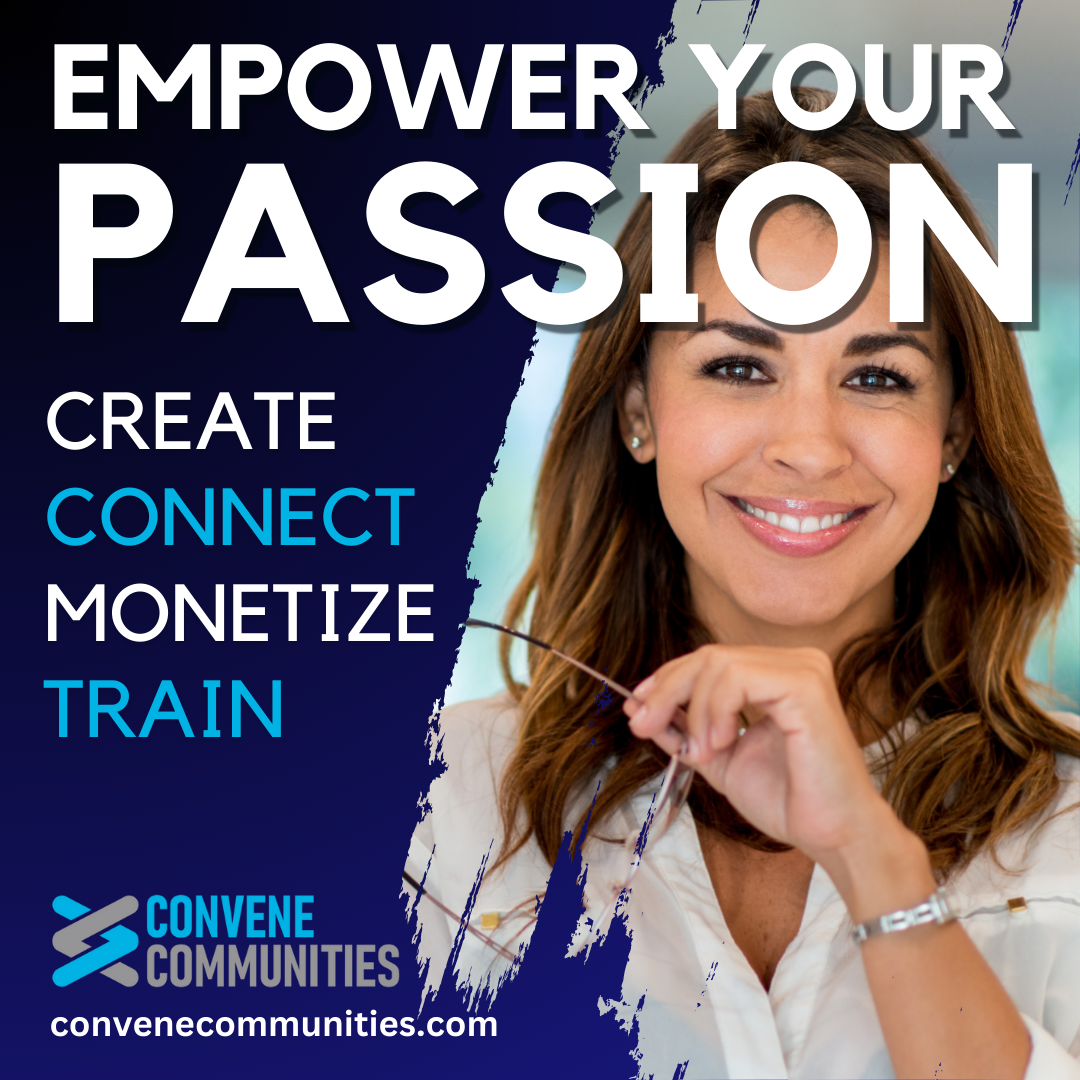
Tip: SQUARE GRAPHICS: Create your graphics using the Instagram templates so you can use them to share on any platform. This will save you time since you will not have to create them in multiple sizes. The FREE version of Canva doesn't let you resize graphics, so that is a lot of extra work. Square images work on most social media platforms.
Tip: FREE PHOTOS TO USE: Pexels is a great site to find copyright-free photos you can use in your graphics. You can add Pexels to Canva to open up your choices for photos since most photos are only for the PRO version of Canva. On left of the Canva menu go to Apps and search for Pexels to add it.
YouTube is full of great tutorials on how to create graphics using Canva. Here is one to get you started. Jump to minute 1:15.
2. Create a Social Media Promotion Strategy
To drive traffic to your group or course, pair your Canva designs with a solid social media strategy.
Choose the Right Social Media Platforms
Not all platforms are created equal, so focus on where your target audience spends their time. If your group focuses on professional skills, LinkedIn might be a better choice than Instagram. For more casual or hobby-based communities, Facebook or Instagram could be your go-to.
Tip: KEEP IT SIMPLE Don’t overextend yourself by setting up a presence on too many social media platforms that makes managing them difficult. Try to focus on one or two that best fit your offerings to start.
Posting Consistently on a Schedule
Post regularly to keep your group top of mind. Consider creating a mix of content, including:
- Group Information: Share the types of information members can find in your group. Why should they join?
- Teasers for paid courses: Highlight a benefit members can gain by taking your course.
- Member testimonials: Social proof is powerful. Share positive reviews or success stories from current members.
- Promote FREE content: Encourage people to check out your FREE content to hook potential members and promote it. Convene groups can be set up to have a public front where you can give away some content for FREE so your members get to know you. Then you can offer paid courses or paid access to additional content. See our video on structuring your group before you start.
3. Consider Using Social Media Ads to Boost Reach
Most social media platforms offer the option to run ads or boost posts, making it easier to enhance your visibility. Including paid promotions in your strategy can significantly increase your reach. Have a post that performed well and garnered a lot of engagement? Consider boosting it to expand its audience and attract new members. You can start with a small budget and use targeted options to fine-tune your results.
4. Incorporate a Call to Action (CTA)
Always include a strong Call to Action (CTA) in your posts. For example, wrap up with a clear invitation like “Join Now at {link to your group}.” And don't forget to use your Convene affiliate link to maximize your earning potential!
5. Use Canva’s Free Video Features for Social Media
Canva isn’t limited to static images—you can also create animated posts and short video clips! These dynamic elements can make your social media content more engaging, especially on platforms like Instagram and Facebook that prioritize video. Adding motion to your posts helps capture attention and boost visibility.
- Create Course Introduction Videos: Use Canva to craft engaging short clips that highlight your course offerings. Enhance them with text overlays, background music, and eye-catching animations to make a lasting impression.
- Create a Video Tour of Your Group: Give potential members a sneak peek by showcasing the content, discussions, and interactions they can expect to find in your group.
Again, YouTube is full of great tutorials like the one below that will step you through the process.
6. Engage with Your Audience in Real-Time
After posting on social media, remember to engage with your audience:
- Respond to comments and messages promptly.
- Ask questions in your posts to spark conversations and boost engagement.
- Host live Q&A sessions or course previews on platforms like Instagram or Facebook to interact directly with potential members.
6. Reuse Your Graphics
As you build a collection of graphics to promote your group, remember they can be reused later! Two months from now, most people won’t recall that specific image, and many may not have seen it the first time around.
For a fresh spin, try swapping out a photo on an old graphic—just like that, you've got something new to share!
Conclusion
Using Canva’s free version and combining it with a focused social media strategy can significantly boost your online group’s visibility and membership. By consistently promoting your content, upselling your paid courses, and keeping your visuals fresh and engaging, you’ll draw in new members and grow your community.
Now it’s time to get creative! Start designing with Canva and make your online group or course stand out today!